 Merge
Image grid maker
Make a photo grid for a project, a collection, or a quick comparison.
Your photos
Drop photos here
Or paste from your clipboard.
Your photos stay on your device.
Drag to reorder, or use the arrow keys on a move button.
Preview
Waiting for images
Your merged image appears here.
Example
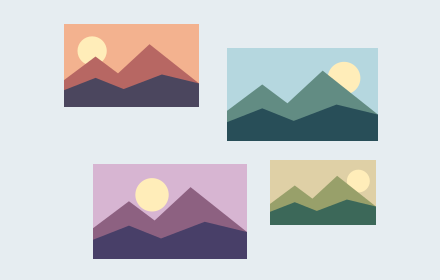
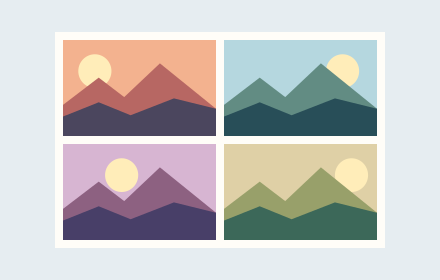
Tips
- Start with two columns for a grid that stays easy to read on a phone.
- Order the pictures from left to right, starting on the top row.
- Set spacing for the gaps between photos and padding for the outside frame. For an 8-inch print at 300 pixels per inch, aim for at least 2,400 output pixels across.
Frequently asked questions
Can my last row have fewer photos?
Yes. The final row can have empty cells if the number of photos does not divide evenly into the chosen columns.
Can I save the whole grid as a JPG?
Yes. Choose JPG to export the grid as a single image.