 Merge
Combine images vertically
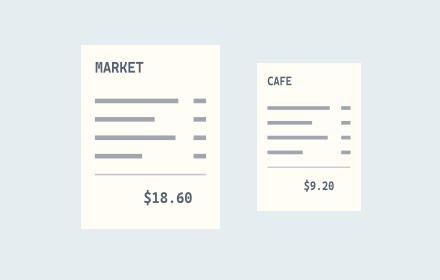
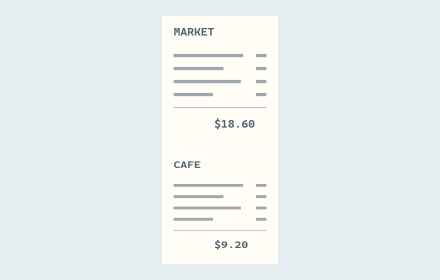
Stack receipts, scanned pages, or photos into one tall image that reads from top to bottom.
Your images
Drop images here
Or paste from your clipboard.
Your images stay on your device.
Drag to reorder, or use the arrow keys on a move button.
Preview
Waiting for images
Your merged image appears here.
Example
Tips
- Put the first receipt, page, or photo at the top of the list.
- Match widths to keep the edges aligned. The smaller width sets the scale.
- Try the black-and-white scan setting for dim receipt photos. Zoom in on totals before capping the width or selecting a file size target.
Frequently asked questions
Can I stack images of different widths?
Yes. The same-width option scales each image proportionally so the stack has even edges.
Why is there a size warning on my stack?
A long stack can exceed what your browser can render reliably. Use the offered smaller size and check that the text is still readable.